How to Find an Item
On the nest page you'll find a list of items. As we catalogue more, this list will grow.
SEARCHING THE LIST
On the next page you'll see a big table. You can search any of the columns by clicking its title.
Alternatively you can simply search using your browser to help.
On a Windows PC press Ctrl F, or on an Apple Mac. Command (⌘) F. This'll bring up a box where you can search the page for anything.
ENQUIRE ABOUT AN ITEM
The first column of the list gives each item an "SSID", the unique code which we use for cataloguing. This is a four letter code. Please write down a list of the codes for the items you want and then Contact us button which will always be visible at the top right of the page. There's a simple form for you to submit your enquiry.
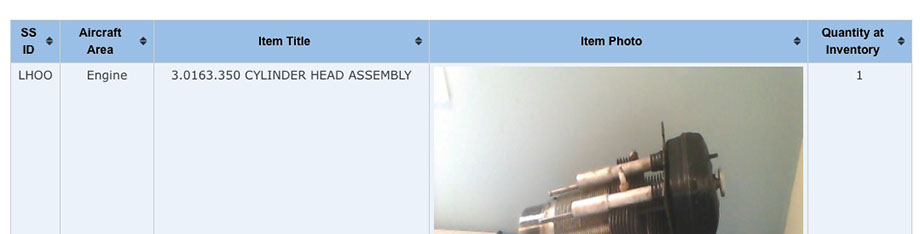
CLICK ON ANY COLUMN HEADING TO SORT THE LIST
NOTE DOWN THE SSID OF ANY ITEM YOU WANT